LinkedIn Ad Image Specs & Best Practices for 2026

Get your LinkedIn ad images right the first time. The definitive guide to image dimensions, file requirements, and design best practices that prevent rejections and maximize performance.
LinkedIn Ad Image Specs & Best Practices for 2026

Nothing kills a LinkedIn ad campaign faster than rejected creative or images that display incorrectly across devices.

You've spent hours designing the perfect ad. Your targeting is dialed in. Your budget is ready. Then LinkedIn rejects your ad because your image is 5.1 MB instead of 5 MB. Or worse—it gets approved but looks terrible on mobile because you used the wrong aspect ratio.

Here's the frustrating part: LinkedIn's image specs aren't just arbitrary numbers. They're engineered to ensure your ads display correctly on desktop, mobile, and tablet—and look professional doing it. But the platform provides specs across multiple help articles, making it surprisingly hard to find complete, up-to-date information in one place.

This guide solves that problem. You'll get every LinkedIn ad image specification for 2025, plus design best practices that help your ads stand out, load quickly, and convert efficiently.

Why LinkedIn Ad Image Specs Matter

Before we dive into the numbers, let's address why these specifications exist and why following them matters.

Display Consistency Across Devices

Over 57% of LinkedIn traffic comes from mobile devices. An image that looks great on your 27-inch desktop monitor might be completely illegible on a smartphone. LinkedIn's specs ensure your creative displays properly whether someone's scrolling during their commute or sitting at their desk.

Algorithm Favorability

LinkedIn's algorithm considers image quality when determining ad placement and cost. Low-quality images (blurry, pixelated, incorrect dimensions) receive lower quality scores, which means higher CPCs and worse placement.

According to LinkedIn's own data, ads with properly formatted images receive up to 38% higher click-through rates compared to incorrectly sized alternatives.

Reference: LinkedIn Ad Specs Guide

Faster Load Times = Higher Conversions

Every second of page load time matters. Studies show that a 1-second delay in page load can reduce conversions by 7%. Properly optimized images (correct format, reasonable file size) load faster, which means better user experience and lower bounce rates.

Avoiding Rejections

LinkedIn's advertising guidelines are strict. Upload an image with too much text overlay, use the wrong file type, or exceed file size limits, and your ad gets rejected. This delays campaigns and wastes time going back and forth with revisions.

Following specs from the start means faster approval and quicker time to market.

Single Image Ads: The Most Popular Format

Single image ads are LinkedIn's workhorse format—simple, effective, and suitable for almost any campaign objective. Here's everything you need to know.

Image Dimensions and Aspect Ratios

LinkedIn supports three aspect ratios for single image ads, each serving different purposes:

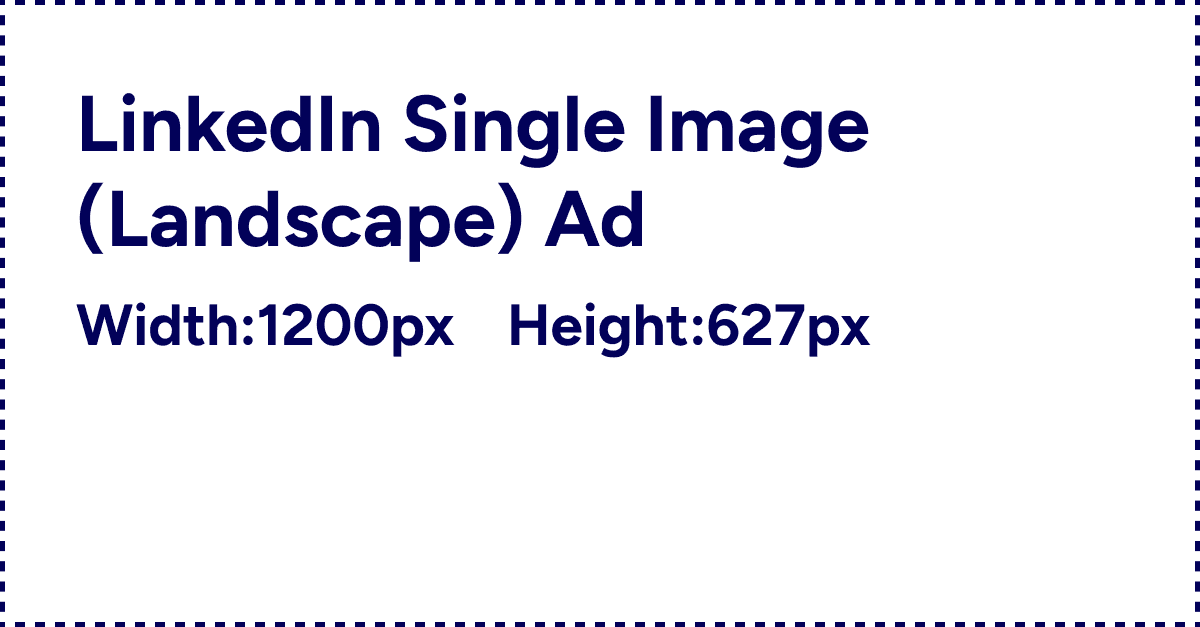
Horizontal/Landscape (Recommended)

  • Aspect Ratio: 1.91:1

  • Recommended Size: 1200 x 628 pixels

  • Minimum: 640 x 360 pixels

  • Maximum: 7680 x 4320 pixels

Why use landscape: This format delivers to both desktop AND mobile, making it the safest all-around choice. The 1.91:1 ratio fills the feed nicely without excessive scrolling.

Best for: General campaigns, brand awareness, lead generation, content promotion

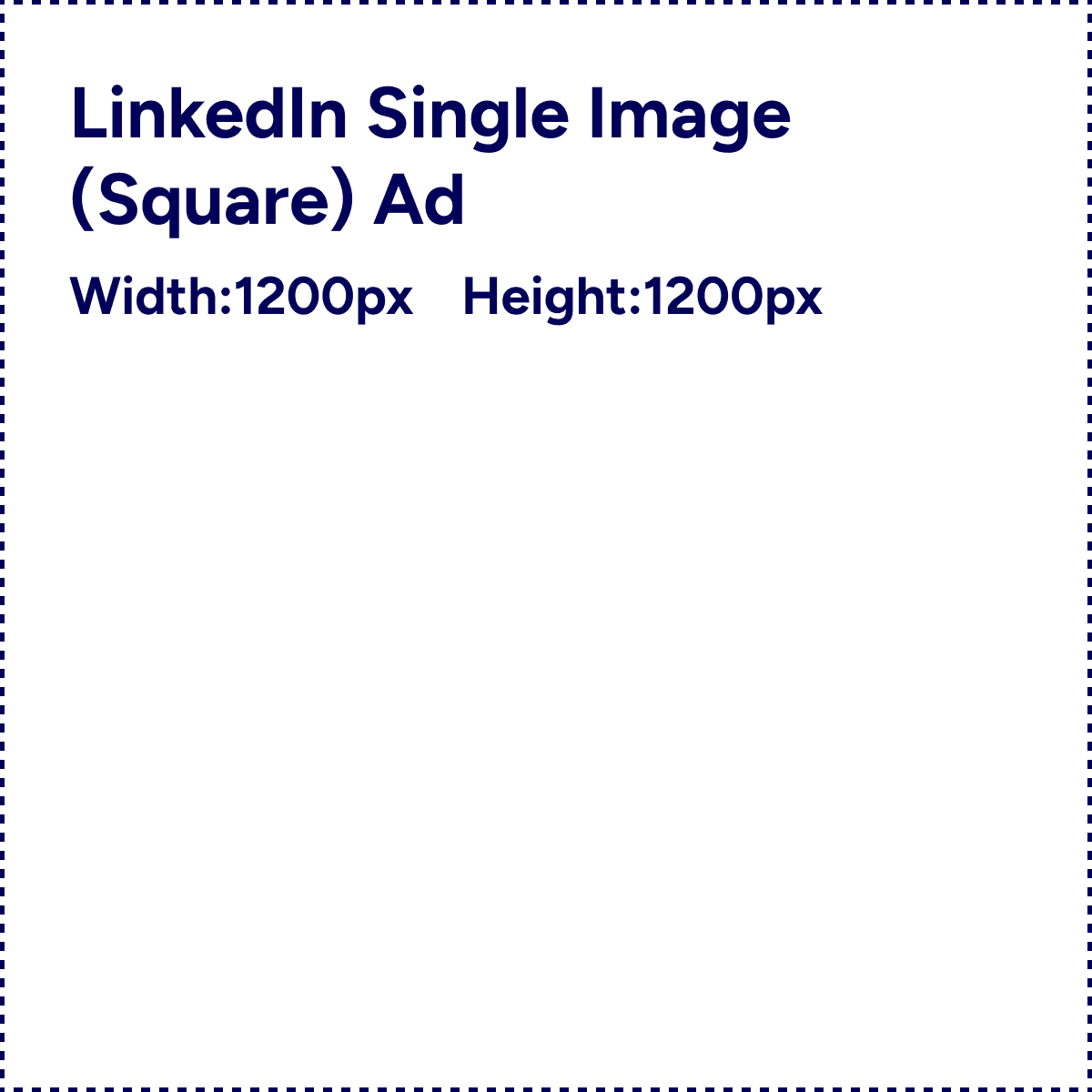
Square (Mobile-Optimized)

  • Aspect Ratio: 1:1

  • Recommended Size: 1200 x 1200 pixels

  • Minimum: 360 x 360 pixels

  • Maximum: 4320 x 4320 pixels

Why use square: LinkedIn specifically recommends this aspect ratio for optimal display across both desktop and mobile. Square images take up more vertical space in mobile feeds, commanding more attention.

Best for: Mobile-first campaigns, product showcases, social proof (testimonials, awards)

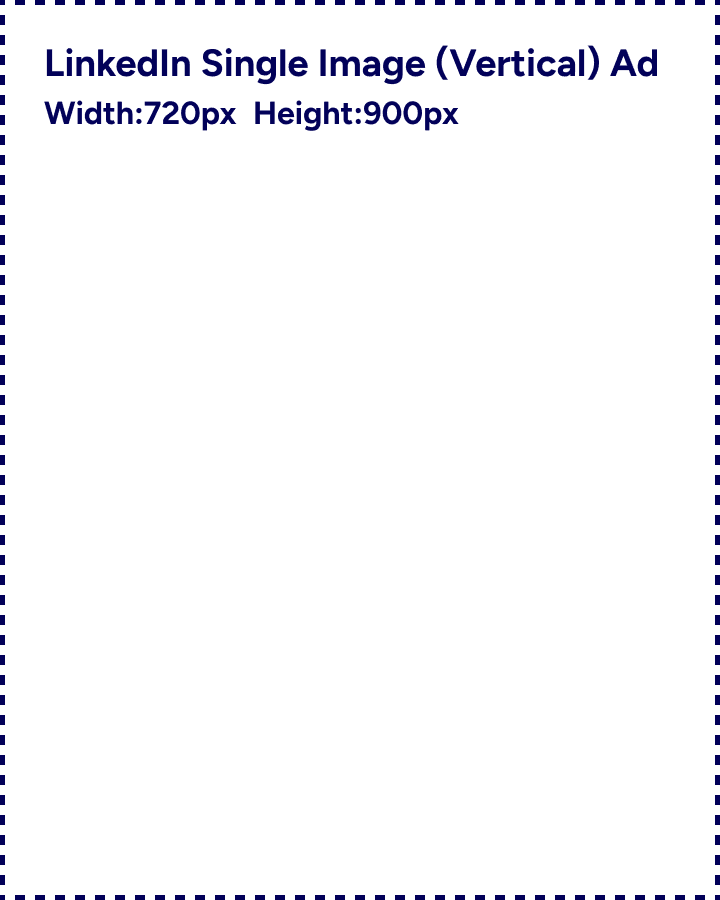
Vertical (Mobile-Only)

  • Aspect Ratio Options: 1:1.91, 2:3, or 4:5

  • Recommended Sizes:

    • 1:1.91 → 628 x 1200 pixels

    • 2:3 → 600 x 900 pixels

    • 4:5 → 720 x 900 pixels (recommended to avoid borders)

  • Minimum: 360 x 640 pixels

  • Maximum: 2430 x 4320 pixels

Why use vertical: These images ONLY display on mobile devices—desktop users won't see them at all. However, vertical images capture more screen real estate on mobile, making them impossible to scroll past.

Important note: If you use the 1:1.91 ratio, LinkedIn will add borders to fit the frame. The 4:5 ratio (720 x 900) avoids borders and provides the cleanest look.

Best for: Mobile-specific campaigns, app downloads, event promotions targeting on-the-go professionals

Reference: LinkedIn Single Image Ad Specifications

File Requirements

Supported Formats: JPG, PNG, or GIF (non-animated)

Maximum File Size: 5 MB

Pro tip: Use JPG for photographs and PNG for graphics with text or logos. PNG files maintain better quality for sharp text and clean edges, while JPG files are smaller for detailed photos.

Compression best practice: Aim for 2-3 MB files. This ensures fast loading without sacrificing visual quality. Tools like TinyPNG or ImageOptim can compress files without visible quality loss.

Character Limits for Copy

While not technically image specs, your ad copy works alongside your image:

  • Ad Name (optional): 255 characters

  • Headline: 70 characters (anything longer gets truncated)

  • Introductory Text: 150 characters before "...see more" truncation (600 character maximum)

  • Description (LAN only): 70 characters (only required if using LinkedIn Audience Network)

Design consideration: Since headlines are limited to 70 characters, don't rely on text overlays in your image to convey critical information. The image should work independently of text overlays.

Reference: Hootsuite LinkedIn Image Sizes

Carousel Ads: Multi-Image Storytelling

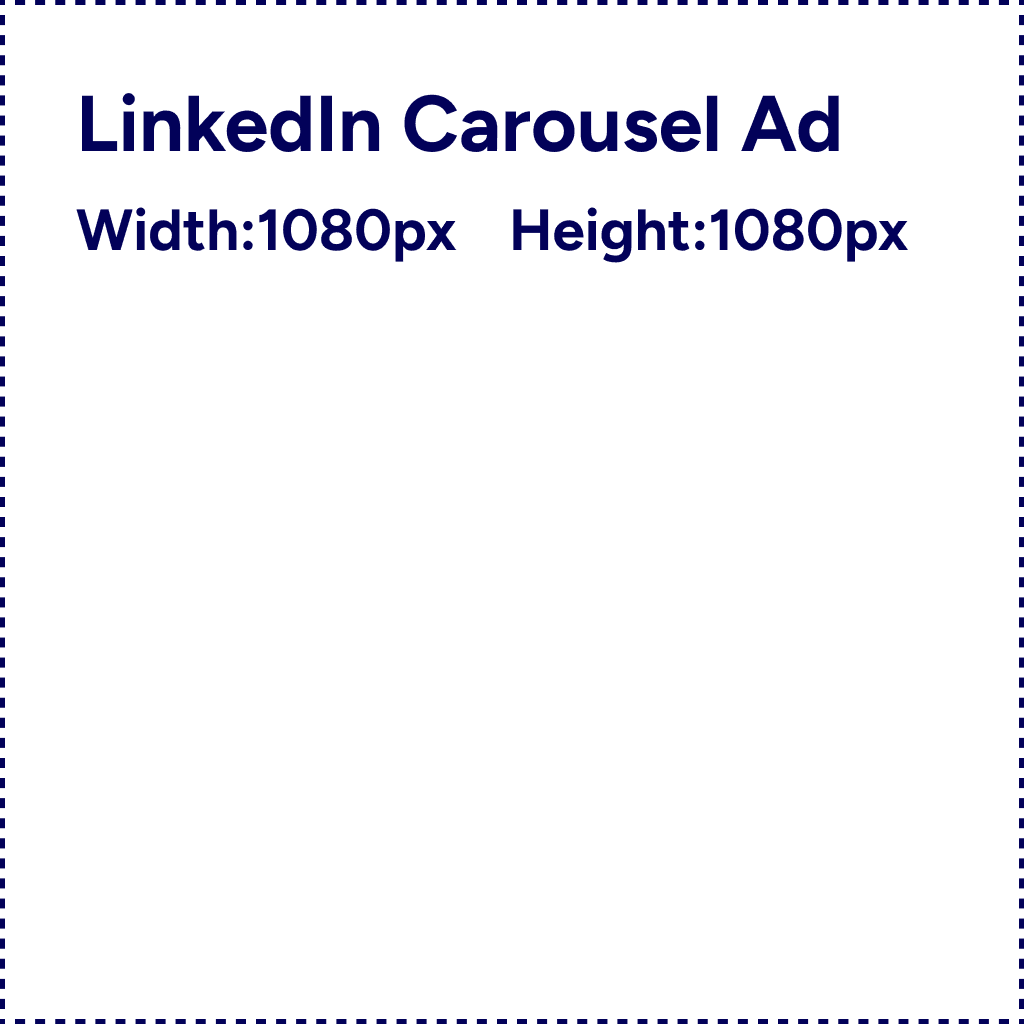
Carousel ads let users swipe through 2-10 cards, making them perfect for showcasing multiple products, telling sequential stories, or comparing features.

Card Specifications

Number of Cards: Minimum 2, maximum 10

Aspect Ratio: 1:1 (square) for all cards

Recommended Size: 1080 x 1080 pixels per card

File Format: JPG, PNG, or GIF (non-animated)

File Size: Maximum 10 MB per card

Critical requirement: All cards in a carousel MUST use the same 1:1 aspect ratio. Mixing ratios will cause rejection or distorted display.

Performance note: According to LinkedIn data, carousels with 4 images are 4x more engaging than single images, while carousels with 8 images receive the highest overall engagement.

Character Limits for Carousel Copy

  • Ad Name: 255 characters

  • Introductory Text: 255 characters (first 150 visible before truncation)

  • Headline per Card: 45 characters

  • Description per Card: Not available (no description field for individual cards)

Design tip: Each card should tell part of a cohesive story. Use consistent branding, color schemes, and visual style across all cards so users recognize they're viewing a unified experience.

Best use cases:

  • Product feature breakdowns (card 1: feature A, card 2: feature B, etc.)

  • Customer success stories (card 1: problem, card 2: solution, card 3: results)

  • Step-by-step guides or tutorials

  • Before/after transformations

  • Event highlight reels

Reference: StrikeSocial LinkedIn Ad Dimensions

Video Ads: Moving Pictures That Convert

Video ads autoplay in the LinkedIn feed and can dramatically boost engagement when done right.

Video Specifications

File Format: MP4 (required)

Resolution: Recommended 1920 x 1080 pixels (Full HD)

Aspect Ratio: Multiple options supported with 5% tolerance:

  • Horizontal: 16:9 (1920 x 1080) - desktop and mobile

  • Square: 1:1 (1080 x 1080) - recommended for mobile

  • Vertical: 9:16, 4:5, or 2:3 - mobile only

Video Length:

  • Minimum: 3 seconds

  • Maximum: 30 minutes

  • Recommended: Under 30 seconds for optimal performance

File Size: Maximum varies by length, but keep under 200 MB for best upload experience

Frame Rate: 30 FPS minimum

Important performance data: Videos under 30 seconds see a 200% lift in view completion rates compared to longer videos. The first 10 seconds are critical—if you don't hook viewers immediately, they'll scroll past.

Reference: LinkedIn Video Ad Specs

Video Design Best Practices

Add captions: Over 85% of videos on LinkedIn are watched without sound. Burned-in captions ensure your message lands even when audio is off.

Optimize for mobile: Since most views happen on mobile, ensure text is large enough to read on small screens. Test your video on a phone before launching.

Front-load value: Don't bury your message. State your value proposition in the first 3-5 seconds.

Include branding: Add your logo and brand colors early so viewers know who's speaking.

Square format wins on mobile: The 1:1 aspect ratio takes up more vertical space in mobile feeds, making videos harder to scroll past.

Document Ads: PDF Content in the Feed

Document ads let users flip through PDFs directly in their LinkedIn feed without leaving the platform—perfect for whitepapers, case studies, reports, and guides.

Document Specifications

File Formats Accepted: PDF, DOC, DOCX, PPT, PPTX

File Size: Maximum 100 MB

Page Count: LinkedIn allows up to 300 pages, but 10 pages or fewer is recommended for optimal engagement

Layout: Any standard PDF layout supported

Important technical requirements:

  • Flatten your PDF: If your document contains multiple layers, merge them

  • Uniform page sizes: All pages should be the same dimensions

  • Secure hyperlinks only: Use HTTPS for any links inside the document

  • No form fields: Interactive PDF forms aren't supported

Design Considerations for Document Ads

The first page is your cover: This page displays in the feed as a preview. Make it visually compelling with:

  • Clear, large title

  • Subtitle explaining value ("The Complete Guide to...")

  • Relevant imagery or data visualization

  • Your logo/branding

Include a quick contents page: Users can preview the first couple pages. An early table of contents or executive summary helps them understand what they're getting.

Think like a report, not a brochure: Document ads work best for valuable, educational content—not sales pitches. Users expect substance when they click to view a multi-page document.

Character Limits for Document Ads:

  • Ad Name: 255 characters

  • Headline: 70 characters

  • Introductory Text: 600 characters (first 150 visible before truncation)

Reference: LinkedIn Document Ad Specifications

Event Ads: Promote Virtual and In-Person Events

Event ads are tied to LinkedIn Events and make it seamless for users to register directly from the feed.

Event Ad Specifications

Image Display: 4:1 aspect ratio

Image Source: LinkedIn automatically pulls the image from your event page, so design your event banner accordingly

Character Limits:

  • Event Name: 255 characters (keep concise)

  • Introductory Text: 600 characters (first 150 visible)

  • Destination URL: 2,000 characters

Design tip: Since the image comes from your event page, ensure your event banner is professional, includes event date/time, and clearly communicates the value of attending.

Reference: Sprout Social LinkedIn Ad Specs

Text Ads: Small but Mighty

Text ads appear in the right sidebar on desktop LinkedIn—small, affordable, and surprisingly effective when done right.

Text Ad Specifications

Ad Image Size: 100 x 100 pixels

File Format: JPG or PNG

File Size: Maximum 2 MB

Character Limits:

  • Headline: 25 characters

  • Description: 75 characters

Pro tip: The tiny 100 x 100 pixel image means detail gets lost. Use bold, simple graphics or a clean logo. Avoid photographs with small faces or text.

Performance note: Text ads have lower engagement than Sponsored Content but also cost significantly less. They work well for retargeting campaigns or always-on brand visibility.

Reference: Storykit LinkedIn Ad Specs

Dynamic Ads: Personalized Creative

Dynamic ads (Follower Ads and Spotlight Ads) automatically personalize using the viewer's LinkedIn profile data.

Dynamic Ad Specifications

Company Logo: 100 x 100 pixels (recommended square)

Main Ad Image:

  • Follower Ads: 300 x 250 pixels

  • Spotlight Ads: 100 x 100 pixels

File Format: JPG or PNG

File Size: Maximum 2 MB

Character Limits:

  • Headline: 50 characters

  • Description: 70 characters

  • CTA Button Text: Varies by button type

How personalization works: LinkedIn inserts the viewer's profile photo and name into the ad creative. For example: "John Smith, follow [Your Company]" with John's actual photo. This personalization typically increases engagement but requires careful messaging to avoid feeling creepy.

Reference: PageTraffic LinkedIn Dimensions

Message Ads (Sponsored InMail)

Message ads appear directly in LinkedIn inboxes when users are active on the platform.

Message Ad Specifications

Banner Image (Optional): 300 x 250 pixels

File Format: JPG or PNG

File Size: Maximum 2 MB

Character Limits:

  • Subject Line: 60 characters

  • Message Text: 1,500 characters (shorter is better—aim for 2-3 paragraphs)

  • CTA Button: 20 characters

  • Custom Footer (Optional): 2,500 characters

Design tip: The banner image appears on desktop in the right side of the message. Make it relevant to your message content—not just your logo.

Reference: StackInfluence LinkedIn Specs

Design Best Practices That Boost Performance

Now that you know the technical specs, let's talk about design principles that make ads actually convert.

Use High-Quality, Professional Images

Resolution matters: Always upload at recommended sizes or higher. LinkedIn will scale images down but never up. A 640 x 360 image stretched to display at 1200 x 628 looks pixelated and unprofessional.

Avoid stock photo syndrome: Generic stock photos (people in business suits pointing at charts) have become background noise. Use authentic images—real product screenshots, actual team photos, or custom illustrations.

Professional ≠ Boring: B2B doesn't mean bland. Use bold colors, interesting compositions, and dynamic layouts to stand out in a sea of corporate blue.

Optimize Text Overlays

20% rule doesn't exist on LinkedIn: Unlike Facebook's old 20% text rule, LinkedIn doesn't have an official text-in-image limit. However, text-heavy images still underperform because they're harder to read on mobile.

Keep text large and readable: Minimum 60pt font size for headlines on images. If someone on mobile can't read it, it's too small.

Contrast is critical: Light text on light backgrounds (or dark on dark) is invisible. Use drop shadows, background boxes, or high-contrast color combinations.

Test on mobile: View your ad on an actual phone before launching. Text that looks fine on desktop often becomes illegible on a 6-inch screen.

Use Colors That Pop

LinkedIn's interface is blue and white. Ads that use contrasting colors—vibrant oranges, greens, purples, or bold yellows—stand out more in the feed.

Color psychology for B2B:

  • Blue: Trust, stability (but blends with LinkedIn's interface)

  • Orange: Energy, action, urgency

  • Green: Growth, success, positivity

  • Purple: Innovation, creativity

  • Red: Urgency, importance (use sparingly)

Brand colors vs. performance: Sometimes your brand colors aren't optimal for LinkedIn ads. Consider testing performance-driven color palettes alongside brand-aligned creative.

Include Faces (They Really Work)

Remember that stat about ads with human faces getting 11x more attention? It applies here too.

Face positioning: Center the face in your composition. Eye gaze direction can guide viewer attention—faces looking toward your headline or CTA create natural visual flow.

Authentic beats perfect: A genuine smile from a real customer outperforms a polished headshot from a model agency.

Diversity matters: Use diverse imagery that reflects your actual audience. Representation creates connection.

Reference: Brandwatch LinkedIn Ad Best Practices

Keep Visual Hierarchy Simple

One focal point: Your image should have one clear focus—a face, a product, a data visualization, or a headline. Multiple competing elements create confusion.

Use whitespace: Cluttered designs feel overwhelming. Generous whitespace (or negative space) makes images feel clean and professional.

Guide the eye: Use visual elements like arrows, lines, or gaze direction to lead viewers from your image to your headline to your CTA.

Brand Consistently

Logo placement: Include your logo, but don't make it dominate the image. Bottom right or top left corner works well, at a size that's visible but not distracting.

Color palette: Stick to 2-3 brand colors per ad. Too many colors look chaotic.

Typography: Use consistent fonts that match your brand guidelines. Mix one display font (for headlines) with one clean sans-serif (for body text).

Test Multiple Variations

Even with perfect specs, design is subjective. What looks great to you might not resonate with your audience.

Create 3-5 variations per campaign:

  • Different images (faces vs. product vs. abstract)

  • Different color schemes

  • Different text overlay approaches

  • Different layouts (centered vs. left-aligned vs. grid)

Let data decide which designs perform best, not opinions.

Common Image Mistakes (And How to Avoid Them)

Mistake #1: Wrong Aspect Ratio

Problem: You upload a 1920 x 1080 (16:9) image for a carousel ad, which requires 1:1 square. LinkedIn rejects it or crops it awkwardly.

Fix: Always check the required aspect ratio for your ad format BEFORE designing. Resize images to exact specs using Photoshop, Canva, or online tools like Birme.com.

Mistake #2: File Too Large

Problem: Your beautiful 8 MB PNG file gets rejected because it exceeds the 5 MB limit.

Fix: Compress images before uploading using TinyPNG, ImageOptim, or Photoshop's "Save for Web" feature. Aim for 2-3 MB—quality remains excellent while file size drops.

Mistake #3: Text Too Small on Mobile

Problem: Your image looks perfect on desktop, but the text overlay is illegible on mobile.

Fix: Design mobile-first. Create your image at mobile dimensions (720 x 900 or 1200 x 1200), then scale up if needed. View mockups on an actual phone.

Mistake #4: Low-Resolution Images

Problem: You upload a 640 x 360 image (minimum size) instead of the recommended 1200 x 628. It looks fuzzy and unprofessional.

Fix: Always use recommended dimensions, not minimum. Higher resolution looks better across all devices and scales down cleanly.

Mistake #5: Ignoring Safe Zones

Problem: Important elements (faces, text, logos) get cropped when ads display in different placements.

Fix: Keep critical elements in the center 80% of your image. Leave "bleed space" around the edges where cropping won't hurt the composition.

Image Creation Workflow

Here's a practical workflow for creating LinkedIn ad images that meet specs and perform well:

Step 1: Choose Your Format and Specs

Decide which ad format you're using (single image, carousel, video, etc.) and note the required dimensions and file specs.

Step 2: Design at the Right Dimensions

Option 1: Design Tools

  • Canva (has LinkedIn ad templates pre-sized)

  • Adobe Photoshop (full control, steeper learning curve)

  • Figma (great for collaboration)

Option 2: AI-Powered Tools Tools like Stirling automatically generate LinkedIn ads at the correct dimensions with optimized layouts, eliminating the manual design process entirely.

Step 3: Follow Design Best Practices

  • Use high-quality images (minimum recommended size)

  • Include faces where relevant

  • Use contrasting colors

  • Keep text large and readable

  • Maintain brand consistency

Step 4: Export and Compress

  • Export at recommended dimensions

  • Save as JPG (photos) or PNG (graphics with text)

  • Compress to 2-3 MB file size

  • Test file upload to ensure it's under 5 MB limit

Step 5: Test on Multiple Devices

Preview your ad on:

  • Desktop browser (how it looks in feed)

  • Mobile phone (check text readability)

  • Tablet (middle ground between desktop and mobile)

Step 6: Upload and Launch

Upload to LinkedIn Campaign Manager, review the preview, and launch your campaign.

Quick Reference Chart

Here's a cheat sheet you can bookmark:

Ad Format

Dimensions

Aspect Ratio

File Type

Max Size

Single Image (Landscape)

1200 x 628 px

1.91:1

JPG/PNG/GIF

5 MB

Single Image (Square)

1200 x 1200 px

1:1

JPG/PNG/GIF

5 MB

Single Image (Vertical)

720 x 900 px

4:5

JPG/PNG/GIF

5 MB

Carousel Card

1080 x 1080 px

1:1

JPG/PNG/GIF

10 MB per card

Video

1920 x 1080 px

16:9, 1:1, 9:16

MP4

200 MB

Document

Any PDF layout

Various

PDF/DOC/PPT

100 MB

Text Ad

100 x 100 px

1:1

JPG/PNG

2 MB

Message Ad Banner

300 x 250 px

6:5

JPG/PNG

2 MB

Event Ad

Auto from event

4:1

JPG/PNG

-

Staying Current with Spec Changes

LinkedIn occasionally updates ad specifications. Here's how to stay informed:

Official sources:

Set up alerts: Follow LinkedIn Marketing Solutions on LinkedIn and turn on notifications for their posts.

Test before full launch: When specs change, create a test campaign with new dimensions before committing large budgets.

Getting LinkedIn ad image specs right isn't glamorous work, but it's foundational. The difference between a properly formatted ad and one that's slightly off can mean the difference between approval in 15 minutes or rejection and delays.

Use this guide as your reference when creating new campaigns. Bookmark it, share it with your team, and check it whenever you're unsure about dimensions or requirements.

And if you want to skip the manual design process entirely, tools like Stirling handle all the technical specifications automatically—generating LinkedIn ads at perfect dimensions, proper file sizes, and optimized layouts in minutes.

Resources: