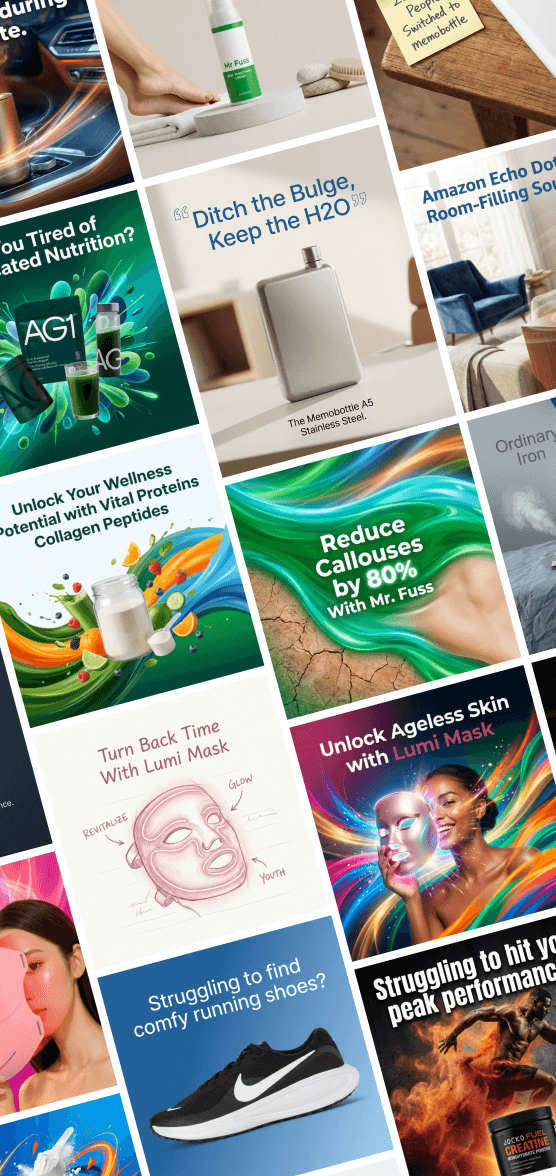
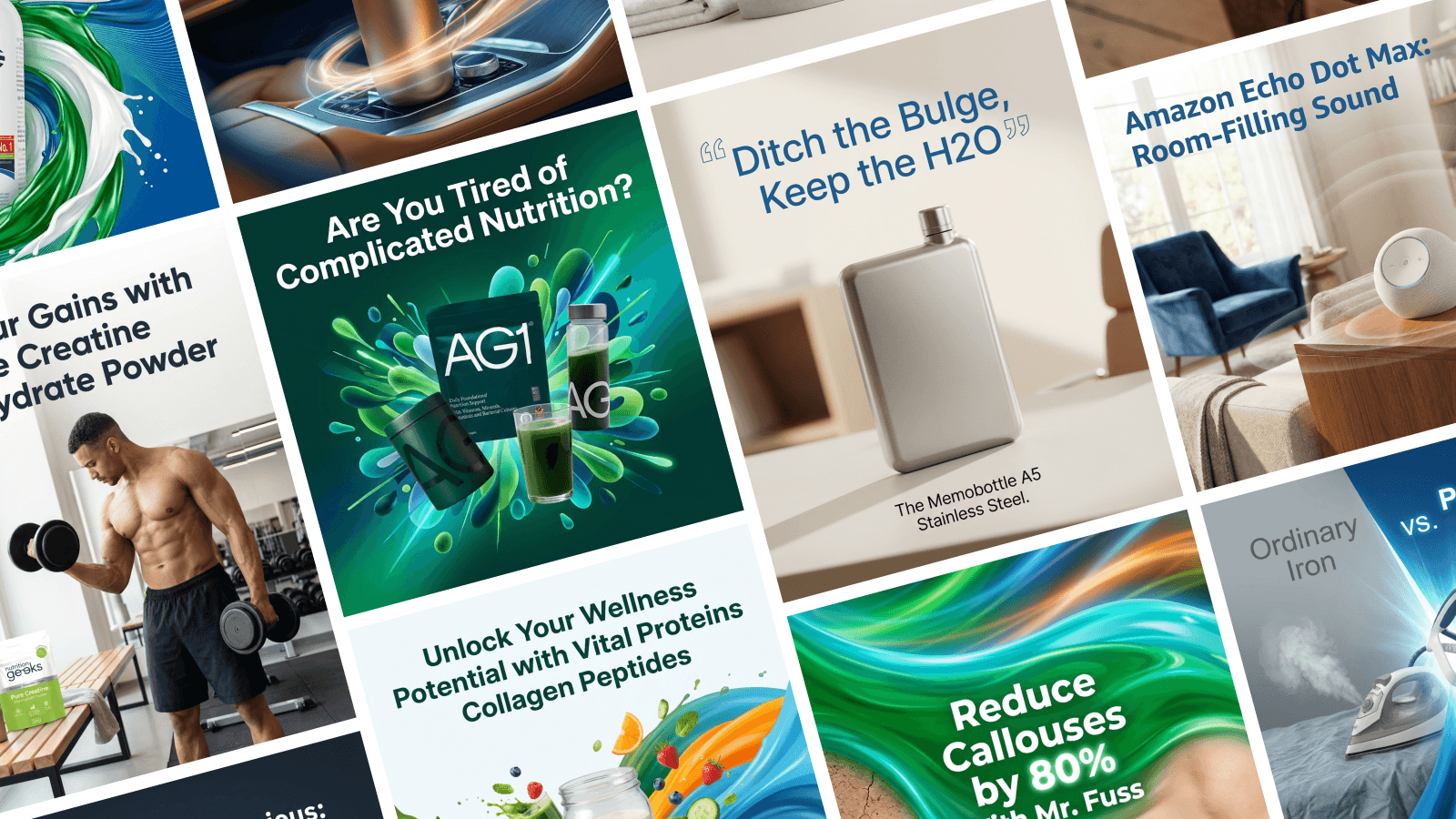
The 3-Second Rule: How to Stop the Scroll on LinkedIn
People scroll through social media fast. Really fast. Here is how to make them slam on the brakes and look at your ad.

Open LinkedIn on your phone right now. Start scrolling through your feed. How fast is your thumb moving?
You probably fly past post after post, barely glancing at them. You only stop when something really interesting catches your eye.
Your customers do the exact same thing. This is the biggest challenge in modern advertising: The Scroll.
You have about 3 seconds (or less) to convince someone to stop and pay attention to you. If you don't grab them in those first 3 seconds, it doesn't matter how good your product is. They are already gone.
How to Be a "Pattern Interrupt" In psychology, a "pattern interrupt" is something that breaks a person's routine. On LinkedIn, the "routine" is a stream of boring, white-and-gray corporate posts.
To stop the scroll, you need to look different.
Use High Contrast Colors: LinkedIn’s interface is white, gray, and blue. If your ad is also white, gray, and blue, it blends in. Try using bright purple, yellow, or a dark black background. These colors stand out against the boring newsfeed.
The "Squint Test": Look at your ad and squint your eyes until it gets blurry. Can you still read the main headline? If the answer is no, your text is too small. Make it huge.
Faces attract Eyes: Humans are biologically wired to look at other humans. Using a photo of a person making eye contact (even if it's a stock photo) can subconsciously make people pause.
Headlines That Hook Your image grabs the eye, but your headline captures the mind. Don't write: "We offer cloud-based optimization solutions." (Boring. I'm scrolling.) Do write: "Stop wasting money on cloud storage." (Interesting. I'm listening.)
Focus on the problem, not the features.
Design for Mobile First Remember, 80% of people are probably seeing your ad on a tiny phone screen while waiting in line for coffee. Small details disappear on a phone screen.
Keep your design simple. One big image, one big headline, one logo. That’s it. Clutter is the enemy of attention.
Design for Impact with Stirling You don't need to guess which colors or layouts stop the scroll.
Stirling uses data to understand what works. Our AI generates designs that are specifically built to grab attention in a crowded feed. We use the right font sizes and contrasts to ensure your ad doesn't just blend in with the background.
Stop Being Invisible Make ads that demand attention. Break through the noise and stop the scroll.
Try it for free at TryStirling.com.