How to Create Professional LinkedIn Ads (Even If You Can't Draw Stick Figures)
You don’t need to be an artist to make ads that convert. Here is the simple formula for success.

Let’s be honest. Not everyone is a graphic designer.
If you are a marketer or a business owner, you probably wear a lot of hats. You do the sales, the strategy, and the writing. But when it comes time to make the actual picture for your LinkedIn ad, do you freeze up?
You are not alone. Design tools like Photoshop are hard to learn. Hiring a freelancer takes time and money. But you still need your ads to look good. Here is how you can do it yourself.
Why Good Design Matters LinkedIn is a professional place. People are there to do business. If your ad looks messy or blurry, people might think your business is messy, too.
Good design builds trust. It tells the user, "We take our work seriously." But "good" doesn't have to mean "complicated."
Keep It Simple The best ads are usually the simplest ones. You don't need fancy 3D graphics or crazy colors. You just need three things:
A Clear Headline: Tell them what you offer.
A Clean Image: Use a photo of people working, or a simple screenshot of your product.
Your Logo: Make sure they know it’s you.
Don’t Clutter the Space Imagine a messy desk. It’s hard to find what you need, right? An ad is the same way. If you put too much text on your image, people won't read any of it.
Try to keep the text on your image short. Let your caption do the explaining. The image is just there to grab attention.
Use Tools That Do the Work for You You don’t have to start from a blank white page. There are tools built specifically to help you.
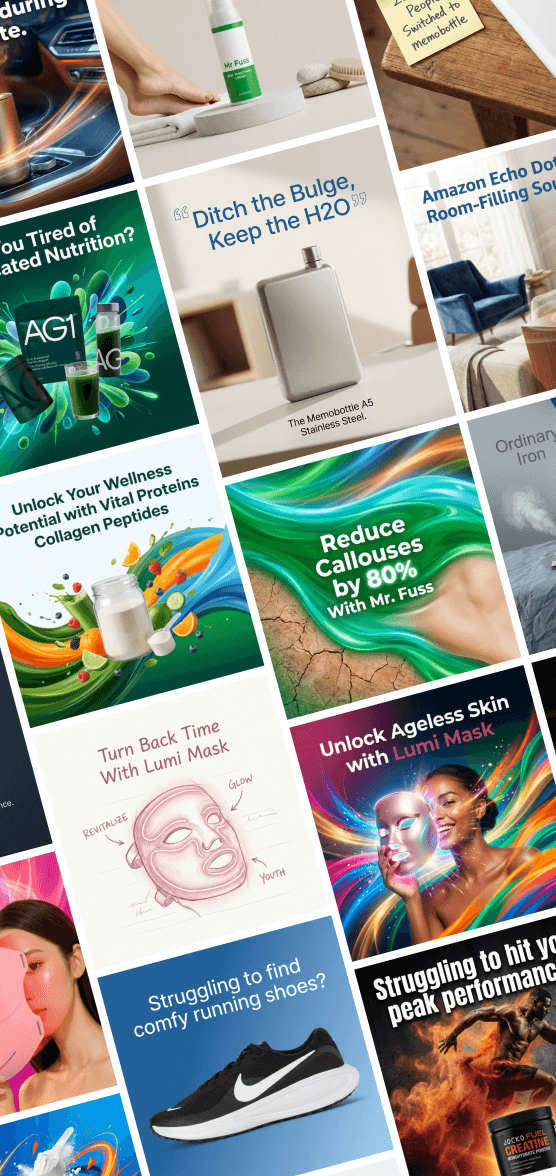
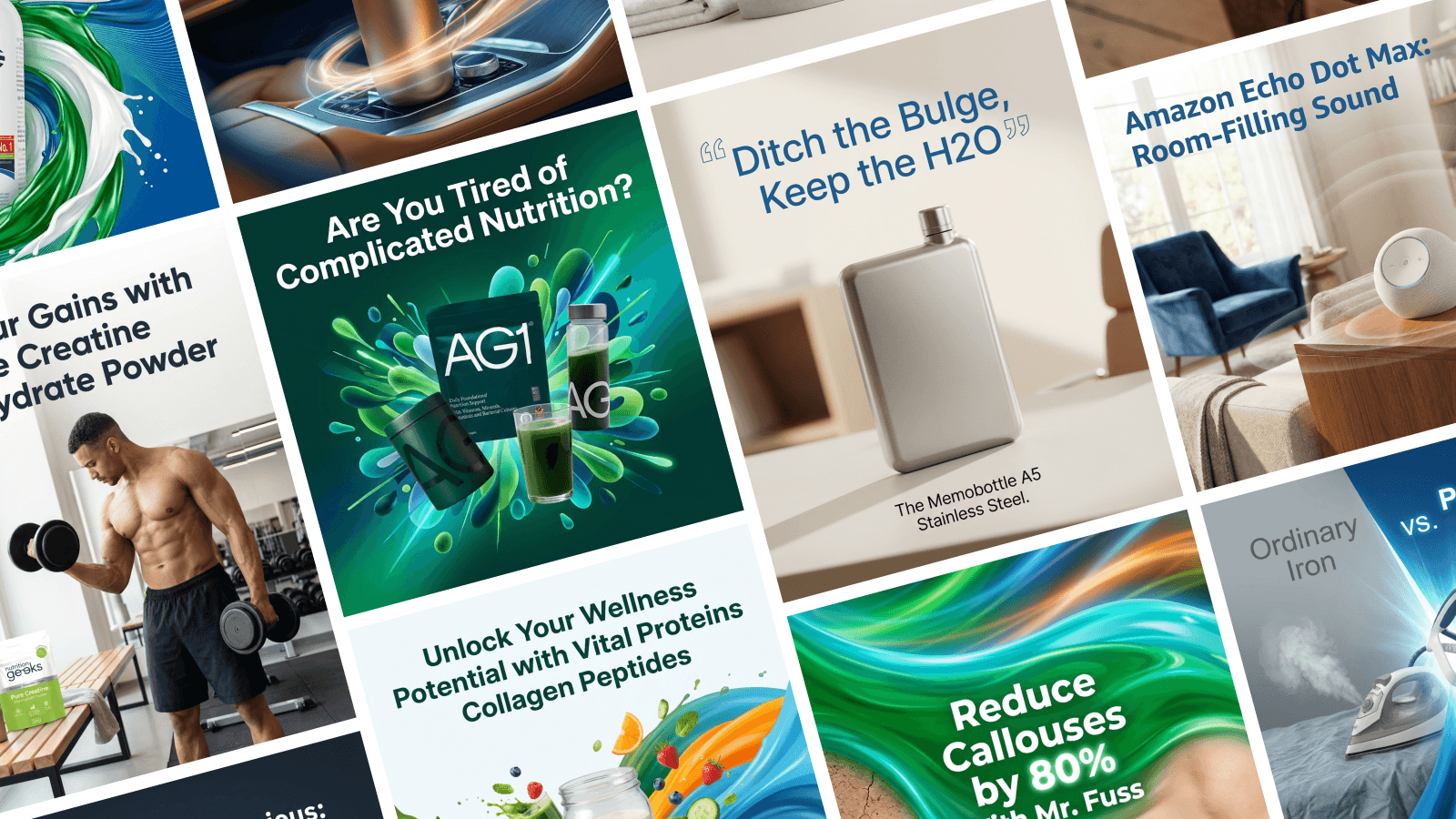
This is where Stirling comes in. Stirling is built for people who want great ads but don't have hours to spend on design. It automatically generates ad creatives for you. You just enter your topic, and Stirling builds the layout, chooses the colors, and even writes the caption.
Ready to Design? You don't need a degree to look like a pro. You just need the right tool.
Stop struggling with complicated design software. Create your next LinkedIn ad in minutes at TryStirling.com.