Do I Need a Facebook Business Page to Run Ads? (Yes Here's Why)
Why Business Pages are required and how to set yours up quickly

Quick answer: Yes, you absolutely need a Facebook Business Page to run ads.
You can't run ads from your personal profile. Facebook doesn't allow it.
But don't worry. Setting up a Business Page is free and takes about 10 minutes.
Let me explain why you need one and how to create it.
Why You Can't Use Your Personal Profile
Facebook keeps personal profiles and business pages separate for good reasons.
Personal profiles are for connecting with friends and family. They have friend limits (5,000 max). They're meant for individuals.
Business Pages are for companies, brands, and public figures. They have unlimited followers. They're built for business.
When you advertise, Facebook needs to know you're representing a business, not just yourself. That's why ads must come from a Business Page.
What Is a Facebook Business Page?
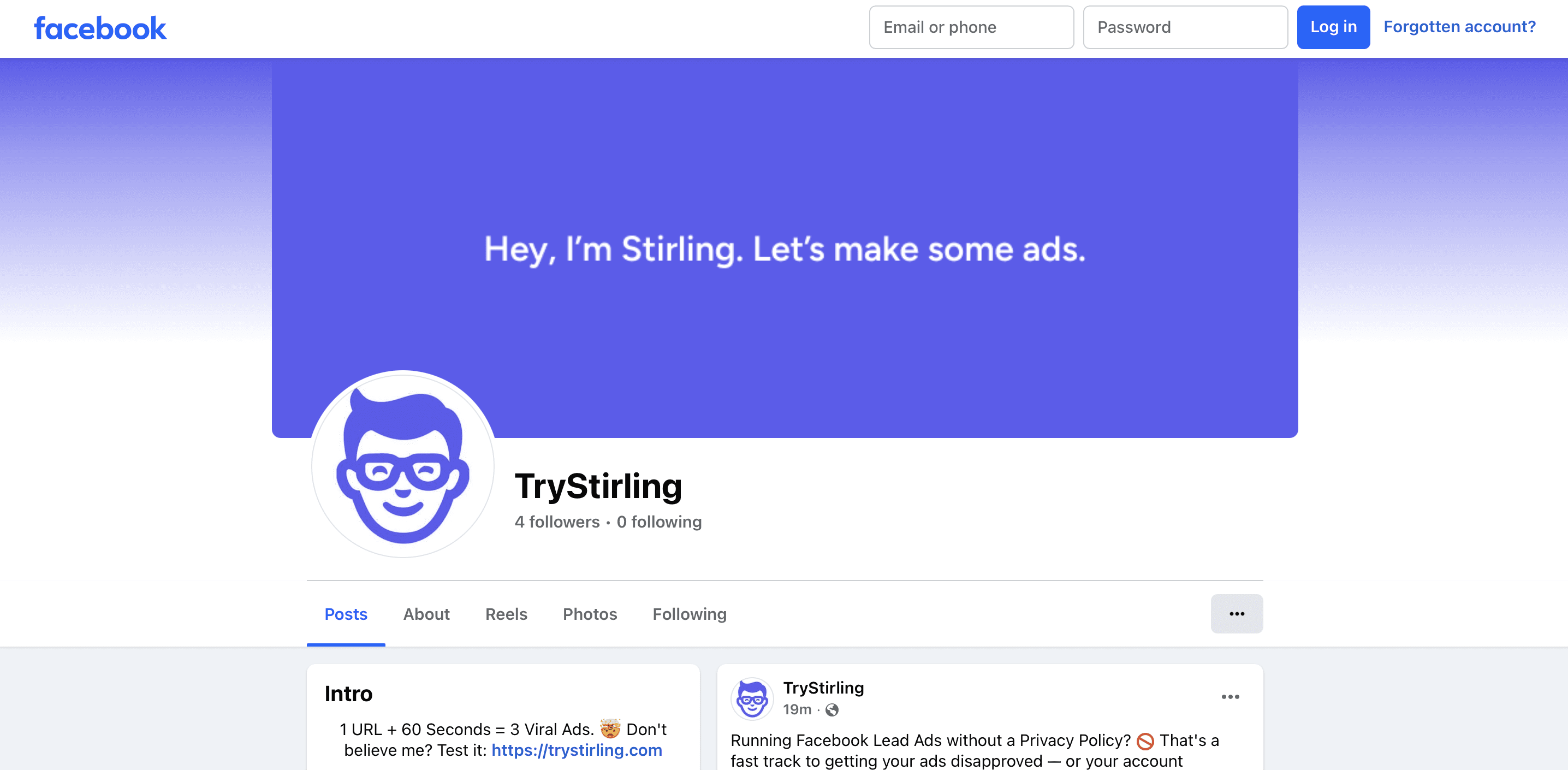
Think of it as your business's home on Facebook.
People can:
Follow your page to see your posts
Leave reviews
Message you with questions
Click to your website
See your contact info
Learn about your products or services
It's like a mini-website within Facebook.
Plus, it's where your ads will appear from. When people see your ad, they can click through to your Business Page to learn more about you.
Do I Need a Business Page If I'm Just Testing Ads?
Yes.
Even if you're just running one test ad to see if Facebook works for you, you need a page.
Good news: creating a page doesn't commit you to anything. It's free. You can create it and barely use it if you want.
But you'll probably find it useful. Having a presence on Facebook builds trust. When people see your ad and look up your business, finding a real page with information reassures them.
Setting Up Your Facebook Business Page (Step by Step)
This is easier than you think.
Step 1: Log into your personal Facebook account (you need one to create a page).
Step 2: Click the menu icon (nine dots) in the top right.
Step 3: Click "Pages."
Step 4: Click "Create New Page."
Step 5: Enter your business name.
Step 6: Choose a category that describes your business. Start typing and Facebook suggests options.
Step 7: Add a short description of what you do (you can change this later).
Step 8: Click "Create Page."
Done! You now have a Facebook Business Page.
What to Do After Creating Your Page
Your page exists but looks empty. Add some basics:
Profile picture: Use your logo or a professional photo. This shows up next to your ads.
Cover photo: A banner image at the top of your page. Show your products, your team, or your store.
About section: Fill in your business description, website, hours, location, and contact info.
First post: Share something. Introduce your business or share a product photo.
That's enough to get started with ads. You can always improve your page later.
What If I Don't Want to Manage a Facebook Page?
I get it. You just want to run ads, not become a social media manager.
That's fine. Your page doesn't need daily posts.
Post once a week if you want. Or even just a few times a month. Just have something there so your page doesn't look abandoned.
When people see your ad and check out your page, they should see signs of life. A few recent posts. Some information about your business. That's enough.
Can I Run Ads Without Posting Organically?
Technically, yes. You can create a Business Page, never post anything organically, and only use it for running ads.
But I don't recommend it.
Here's why: social proof matters. When people see your ad and visit your page, seeing real posts builds trust. An empty page looks suspicious.
Plus, organic posts are free. Why not use them?
You don't need to go crazy. One or two posts a week showing your products, sharing tips, or highlighting customer success is plenty.
Do I Need Followers Before Running Ads?
No! This is a common misconception.
You can run ads the day you create your page. Zero followers required.
Facebook ads reach people who don't follow you. That's the whole point.
Sure, having followers is nice. It makes your page look more established. But don't wait to get 100 followers before trying ads. Start ads and build followers simultaneously.
Can I Have Multiple Business Pages?
Yes. If you have multiple businesses or brands, create separate pages for each.
You manage them all from one personal profile. Easy to switch between them.
What About Instagram Ads?
Here's a bonus: once you have a Facebook Business Page, you can run ads on Instagram too.
You connect your Instagram account to your Facebook Page in the settings. Then your ads can appear on both platforms from the same campaign.
Common Business Page Mistakes
Avoid these:
Using a personal profile as a business page. Against Facebook's rules. Your profile could get deleted.
Creating multiple pages for one business. Confusing for customers. Pick one and stick with it.
Ignoring messages. People will message your page. Respond within 24 hours. Facebook tracks this and it affects your page.
No contact information. Add your website, phone, email. Make it easy for people to reach you.
Incomplete about section. Fill it out. It helps people find you and builds credibility.
What If I Already Have a Personal Profile Pretending to Be My Business?
Switch to a proper Business Page as soon as possible.
Facebook has tools to convert a personal profile into a page. Search "convert profile to page" in Facebook's help center.
You'll keep your posts and followers. But you'll be following Facebook's rules.
The Bottom Line
You need a Facebook Business Page to run ads. No way around it.
But that's actually good news. Pages are free, easy to set up, and give you a professional presence on Facebook.
Spend 15 minutes creating your page and filling out the basics. Then you're ready to start advertising.
Don't let this small step delay your advertising plans. Create your page today.
Managing Your Page and Ads
Running a Business Page plus creating ads can feel like a lot.
Stirling helps with the ads part. Use it to generate Facebook ad copy quickly so you spend less time on creative and more time actually running your business.
Your page is your foundation. Your ads are your growth engine. Get both set up right and you're ready to scale.

Turn Your Product Link Into 12 Winning Ads
Just paste your URL. Stirling’s AI reads your site, finds your best hooks, and builds high-converting ads in 60 seconds.



