Stop Burning Money: Why Your LinkedIn Ad Costs Are High (And How to Fix It)
Stop overpaying for clicks. Learn why refreshing your images is the secret to saving your budget.

LinkedIn ads are famous for one thing: being expensive.
If you are used to running ads on Facebook or Instagram, the price of a click on LinkedIn can be a shock. But here is the secret—you might be paying more than you need to.
Let's look at why your costs are high and how you can lower them.
The "Ad Fatigue" Problem Imagine seeing the exact same TV commercial five times in one hour. By the fifth time, you are annoyed, right? You stop paying attention.
This happens on LinkedIn, too. It is called "Ad Fatigue."
When you show the same audience the same ad image for weeks, they stop clicking. When people stop clicking, LinkedIn charges you more to show the ad. Your "Relevance Score" goes down, and your price goes up.
The Solution: Refresh Your Creative The easiest way to lower your costs is to change your ads often.
You don't need to change your whole offer. You just need to change how it looks.
Try a different background color.
Change the headline text on the image.
Swap the photo.
When the ad looks new, people start clicking again. Your costs go down.
Test, Test, Test You should never run just one version of an ad. You should run three or four versions at the same time.
Why? Because you never know what people will like. Maybe they prefer the blue version over the red one. If you only run the red one, you are losing money.
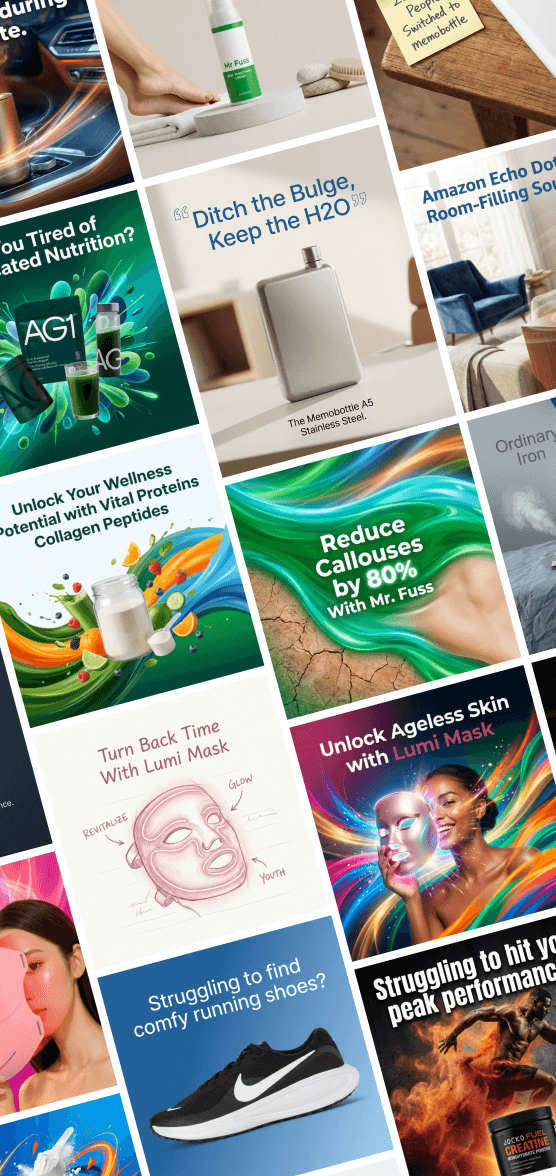
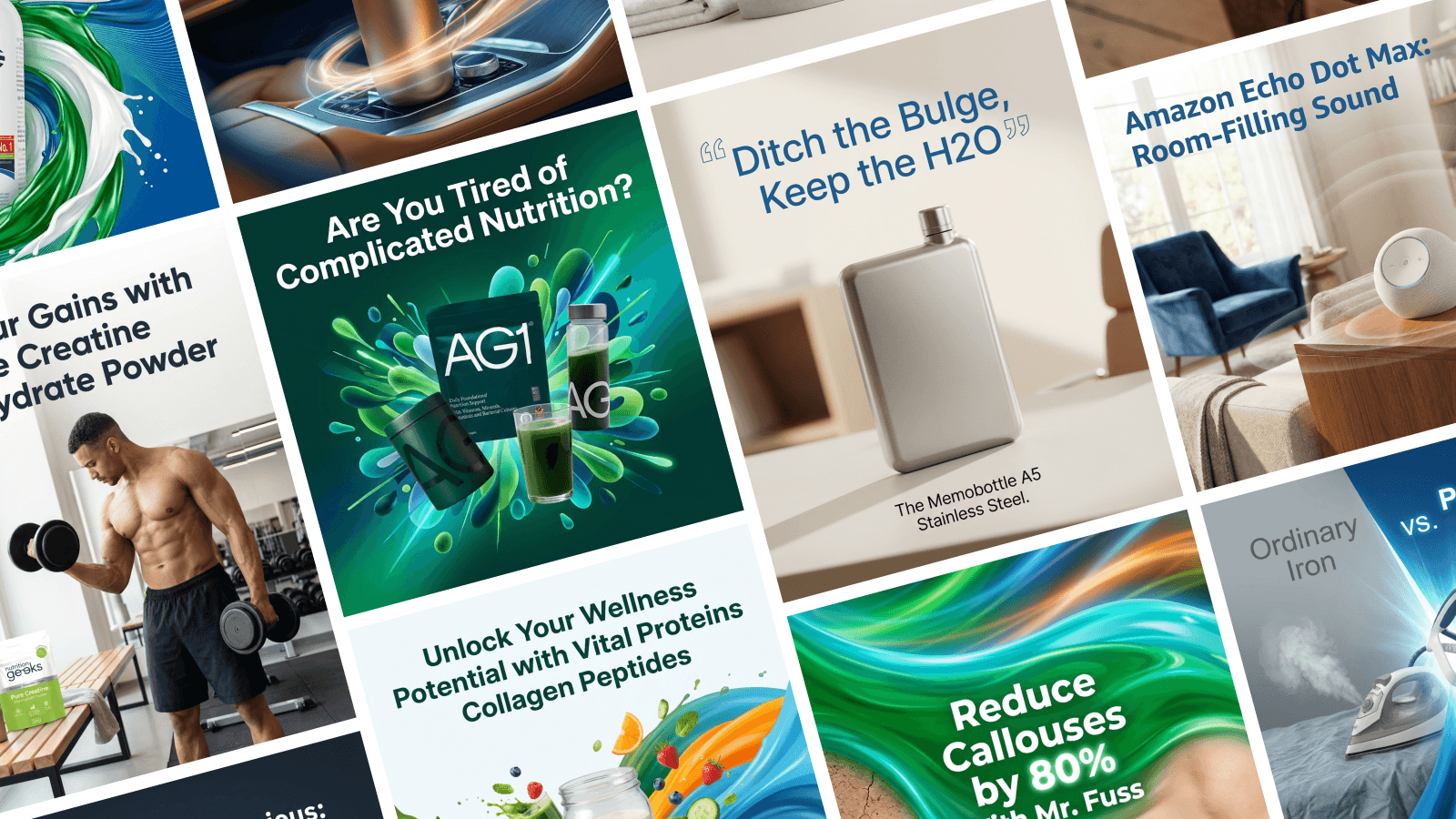
How to Make Variations Fast The hard part about testing is making all those different images. It takes a long time to resize and tweak everything.
That is why we built Stirling. With Stirling, you can generate dozens of variations in seconds. You can instantly see different headlines and designs, pick your favorites, and launch them.
Fresh ads mean cheaper clicks. Save your budget and make your ads with TryStirling.com.