The Simple Way to Test Your LinkedIn Ads
Stop guessing and start knowing what works

Testing your ads is how you improve results. But most people make it too complicated. Here's the simple way.
Test one thing at a time. Change the headline or the image, not both. Otherwise you won't know what made the difference.
Start with your headline. This has the biggest impact on performance. Try 3-5 different headlines and see which gets the most clicks.
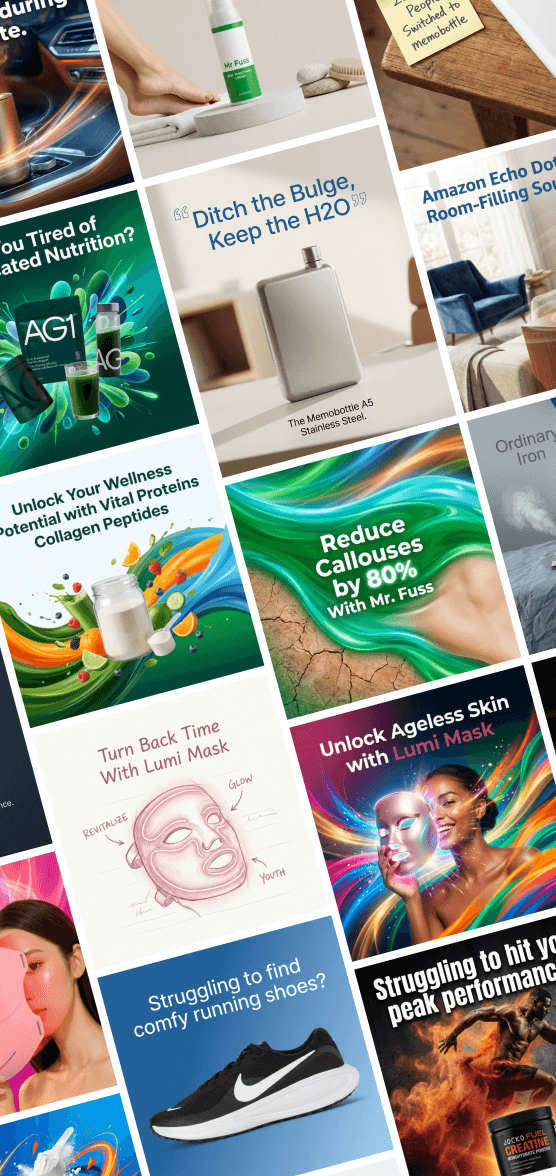
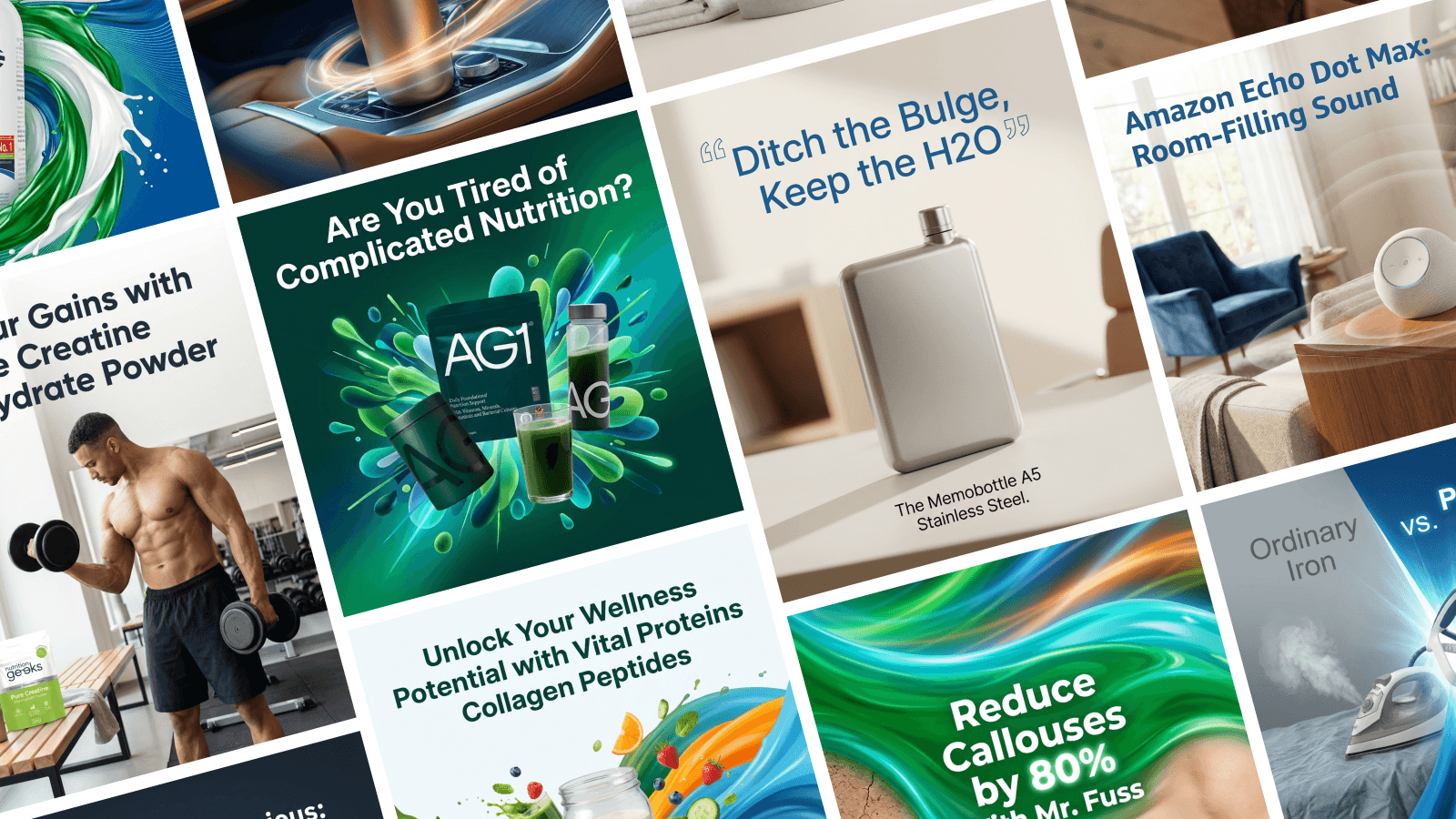
Then test images. Use different styles - photos of people, product screenshots, graphics. Let the data tell you what works.
Test your call-to-action next. "Learn more" vs "Get started" vs "Book a demo" can make a big difference.
Run tests for at least 5-7 days. You need enough data to see real patterns. Don't judge results after one day.
Make sure you have enough budget. Each variation needs at least 100 impressions to be meaningful. More is better.
Look at the right metrics. For awareness campaigns, watch engagement. For lead gen, track cost per lead and conversion rate.
Keep what works. Kill what doesn't. Then test new variations against your winner.
Document your results. Keep a simple spreadsheet of what you tested and what happened. You'll see patterns over time.
Don't stop testing. Even winning ads eventually fatigue. Keep experimenting to stay ahead.
Stirling makes testing easier by generating multiple ad variations for you. You can quickly create different versions and let LinkedIn's algorithm find the winner. It's perfect for demand gen managers who need to move fast.
Testing isn't exciting. But it's how you turn good campaigns into great ones. Make it a habit.